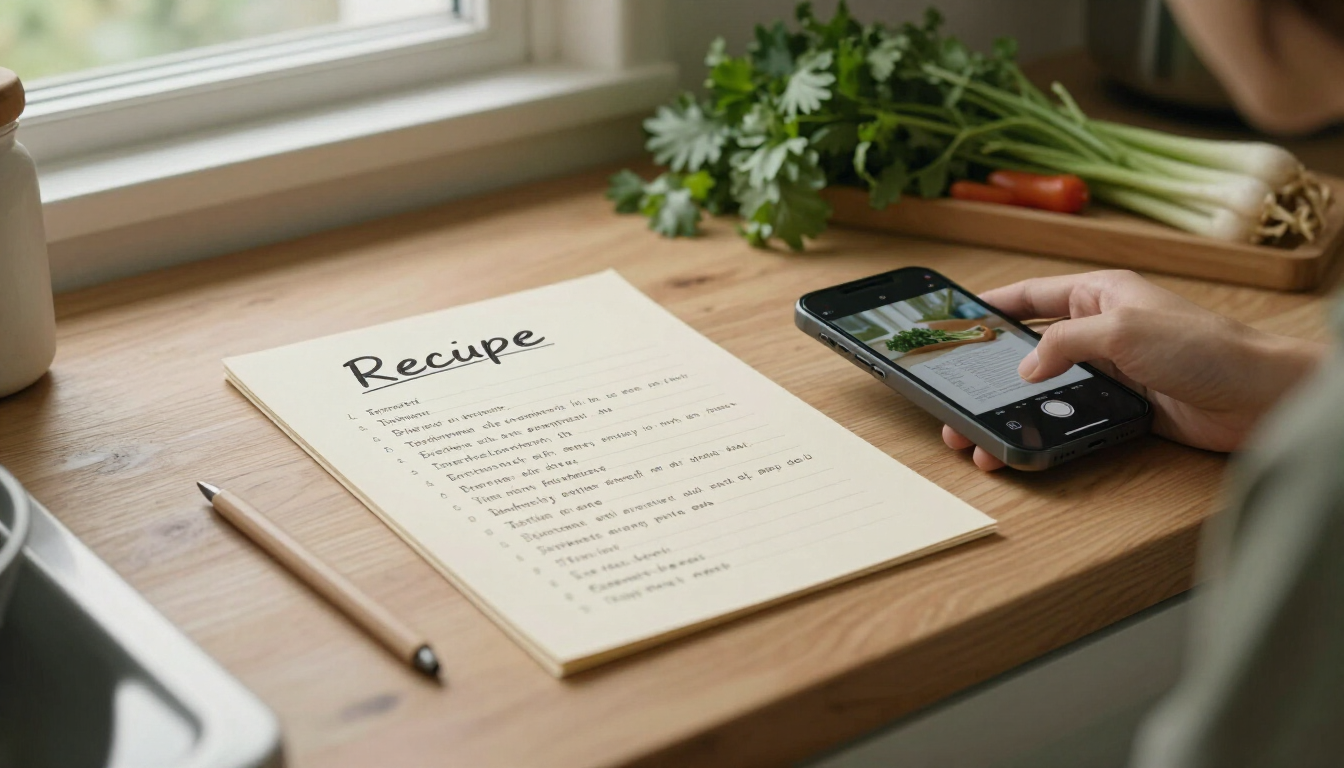
We all have them: the handwritten recipe card from a grandparent, the dog-eared cookbook page splattered with sauce, the magazine clipping you swore you'd make someday. They're priceless — and until now, a pain to actually cook from when your phone is the only cookbook you keep in the kitchen.
Today we're launching Scan a Recipe, a new Cuisini.app feature that turns a single photo of a recipe card, handwritten note, or cookbook page into a clean, editable personal recipe saved right to your account. No retyping every ingredient. No squinting at cursive. Just snap, review, and save.
How it works
- Snap or upload a photo. Open the scanner and take a clear, well-lit photo of the full recipe — title, ingredients, and steps — or upload an existing image from your device. JPG, PNG, and WEBP up to 20MB are supported.
- AI extracts the recipe. Cuisini's AI vision service reads the photo and pulls out the title, ingredients, step-by-step instructions, prep and cook times, servings, and difficulty.
- Review and edit. Check everything in an editable form. Fix a misread ingredient, adjust a quantity, reorder the steps, or fill in anything the scanner missed.
- Save privately. Your scanned recipe is saved as Private — only you can see it. It never appears in public recipe lists, search, the community library, or sitemaps.
Private by default
Every recipe you scan lives only in your account. Scanned recipes are excluded from the public community library, recipe search, the XML sitemap, and the AI knowledge catalog. They're your personal collection, full stop.
A note about cookbooks and published recipes
Recipes scanned from cookbooks or other published material you have purchased may be saved only within your own account for your personal use. They must not be shared publicly or redistributed, as that would violate the author's copyright.
Cuisini saves every scanned recipe as private by default to help you respect that boundary, and we ask you to acknowledge the personal-use notice before saving. Think of it like digitizing a CD you own for your own listening — keep it for yourself, don't broadcast it.
Tips for a great scan
- Photograph in good, even lighting with the full recipe in frame.
- Keep the text sharp and in focus — flat, high-contrast pages (dark text on a light background) work best.
- If the extraction isn't quite right, retake the photo or scan a different one. Nothing is saved until you choose to save it.
Start scanning today
The scanner is available now and works on any device with a camera. You'll need a free Cuisini.app account so your private recipes stay tied to your profile. Ready to digitize that stack of recipe cards?
Learn more about the Recipe Scanner · Open the Scanner · Create a free account